Firebase AI Logic vs Genkit for Flutter: Which Architecture Should You Use?
Flutter teams now have two strong Google-backed paths for AI features:
- Firebase AI Logic for direct AI calls from mobile and web apps;
- Genkit for full-stack AI flows, tools, structured output, and agentic workflows.
The right choice is less about which one is "better" and more about where the AI decision should live: in the Flutter client, in a backend flow, or across both.
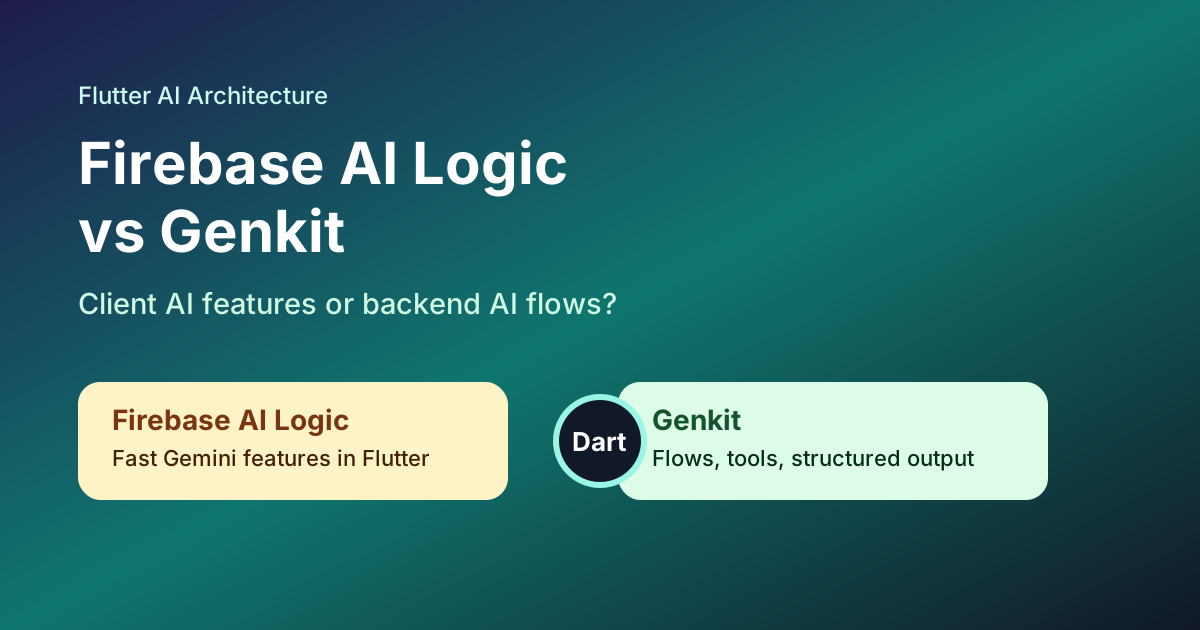
Firebase describes AI Logic as client SDKs, a proxy service, and related features for accessing Gemini models from mobile and web apps. Flutter's own AI documentation points developers to Firebase AI Logic as the official Firebase SDK for generative AI features in Flutter.
Genkit is different. It is an open-source framework for full-stack AI-powered and agentic applications. That means it is better suited when you need flows, tools, structured output, and backend policy.
Quick Decision Table
| Product need | Better fit |
|---|---|
| Fast Gemini-powered feature inside a Firebase Flutter app | Firebase AI Logic |
| Client-side image, text, or chat helper with App Check | Firebase AI Logic |
| Tool calling, structured output, or multi-step AI workflow | Genkit |
| Hidden business rules or private context | Genkit |
| Subscription, credit, or entitlement checks before AI usage | Genkit or backend-gated hybrid |
| First AI prototype with Firebase already installed | Firebase AI Logic |
| Long-term AI product with several feature-specific flows | Hybrid |
What Firebase AI Logic Is Best For
Firebase AI Logic is strongest when the AI feature is close to the app experience and low enough risk to run from the client through Firebase's protected path.
Good Flutter use cases:
- message rewriting;
- profile bio suggestions;
- caption generation;
- lightweight summarization;
- onboarding personalization;
- image understanding;
- in-app chat experiences with simple rules.
The Flutter advantage is speed. You can stay in Dart, use Firebase project configuration, protect calls with App Check, and integrate with services your app already uses.
That is a major productivity win for MVPs and template-based apps.
What Genkit Is Best For
Genkit becomes more attractive when the AI feature stops being a prompt and starts being a system.
Use Genkit when you need:
- server-side prompt control;
- reusable AI flows;
- tool calling;
- structured output;
- retrieval or business context;
- provider flexibility;
- traceable decisions;
- stronger testing around AI behavior.
For example, an ecommerce app might use Firebase AI Logic for simple product copy suggestions, but use Genkit for a shopping assistant that checks inventory, uses customer preferences, calls tools, and returns a structured recommendation.
The Real Difference: Client Feature vs AI Flow
Think of Firebase AI Logic as a fast path for client AI features.
Think of Genkit as an AI application layer.
That framing helps avoid over-engineering:
- If the user taps a button and gets a draft, Firebase AI Logic may be enough.
- If the feature makes decisions using private data, paid credits, tools, or multi-step context, move it to Genkit or another backend flow.
The goal is not to keep all AI in one layer. The goal is to keep each decision in the layer that can operate it safely.
Hybrid Architecture for Flutter Apps
Most serious Flutter AI products will become hybrid:
- Flutter handles screens, user intent, local state, and optimistic UI.
- Firebase AI Logic handles low-risk direct AI features.
- Remote Config controls rollout, model names, and feature switches.
- Genkit handles server-side flows that need tools, private context, or entitlements.
- Analytics and Crashlytics track latency, errors, and fallback paths.
The Flutter code should use a stable app-level interface:
abstract class AiFeatureRunner {
  Future<AiResult> run(AiFeatureRequest request);
}
Under the hood, one feature can run through Firebase AI Logic while another runs through a Genkit endpoint. The UI does not need to know.
Where App Check Still Matters
Firebase AI Logic integrates with App Check to help protect model APIs from unauthorized clients. If your Flutter app calls AI directly, App Check should be part of the release checklist before public launch.
Genkit does not remove security work. It shifts it. Your backend endpoint still needs authentication, rate limits, input validation, logging, and entitlement checks.
Security is not "client AI vs backend AI." Security is making sure every AI entry point has the right guardrails for its risk.
Ship faster with All Access. Get the Flutter templates, admin panels, updates, and launch bonuses that help you build faster.
Explore All AccessInstaflutter Product Patterns
The best architecture depends on the app category:
- Chat apps can start with Firebase AI Logic for simple assistant replies and move support workflows to Genkit.
- Ecommerce apps should move recommendation, pricing, and inventory-aware AI to backend flows.
- Social apps can keep caption suggestions client-side but handle moderation and safety workflows server-side.
- Finance apps should treat most AI as backend-controlled because the data is sensitive.
- Dating apps can use client AI for prompts and Genkit for safety or matching explanations.
Templates help here because they already define the product surface. You are not inventing the entire app and the AI system at the same time.
Recommended starting points:
- Flutter Chat App
- Flutter Ecommerce App Template
- Flutter Social Network App
- Flutter Finance App Template
Decision Checklist
Choose Firebase AI Logic when:
- the feature is low-risk and user-facing;
- Firebase is already in the app;
- Gemini satisfies the model need;
- App Check and Remote Config are enough control;
- speed to first release matters most.
Choose Genkit when:
- the feature needs tools or private context;
- output must be structured and verified;
- model behavior must be tested as a backend flow;
- the feature is tied to paid usage;
- you need more control than a client call provides.
Choose hybrid when:
- the app has multiple AI surfaces;
- some features are simple and others are business-critical;
- the product roadmap will change faster than mobile releases.
Useful Official References
- Firebase AI Logic documentation
- Firebase AI Logic App Check
- Flutter: Create with AI
- Genkit
- Genkit Dart repository
Final Thoughts
Firebase AI Logic is the better first move for many Flutter AI features. It is fast, mobile-friendly, and aligned with Firebase-backed apps.
Genkit is the stronger path when AI becomes part of your backend product logic. It gives you the place to model flows, tools, structure, tests, and policy.
The cleanest architecture is not one or the other. It is a Flutter app that can route each AI feature to the right control layer without rewriting the user experience.
Looking for a custom mobile application?
Our team of expert mobile developers can help you build a custom mobile app that meets your specific needs.
Get in Touch